Conversational Editing
Change specific parts of an existing video just by chatting. You can alter clothing, backgrounds, or actions without starting over.
Google Omni unifies text, image, audio and video in one model. Generate and iteratively edit cohesive multimodal content via natural conversation. No professional experience required.
No credits are deducted when generation fails — including due to copyright restrictions, content policy, or server errors.
Prompt
Change the butterfly to a bee.
Google Omni is a video generator built on the Google Gemini Omni API — Google's next‑generation native multimodal model that combines Gemini's logical‑reasoning power with generative media‑creation capabilities. It enables multimodal video creation with conversational control, native audio, and consistent results across every edit.
Change specific parts of an existing video just by chatting. You can alter clothing, backgrounds, or actions without starting over.
Draws on Gemini's built-in knowledge of physics, history, science and cultural background to generate logically sound visual storytelling content.
Combine text prompts with uploaded images or existing video clips as "ingredients" to build entirely new scenes.
Quickly switch between vertical and horizontal aspect ratios for platforms like YouTube, TikTok, or advertising campaigns through Google Ads Asset Studio.
Maintain character identity and visual style across multiple editing turns instead of getting randomized results on every try.
Generate matching sound effects, voices, and dialogue alongside your video output for the first time.
Three simple steps from inputs to production-ready clips with Google Omni.
Step 1
Upload images or video clips as references, or start from text alone. You can combine up to 10 files across different modalities to express your vision.
Step 2
Enter a prompt describing style, motion, camera, on-screen text, or edits. Google Omni supports creating new clips or modifying existing ones.
Step 3
Choose duration and settings, then click the Generate button and wait patiently. Refine the result with follow-up prompts until the scene matches your vision.
Edit through natural conversation. Think of Google Omni like Nano Banana – but for video. Build and fine-tune your creation with natural language.
Change the aesthetic, action, or effect based on your input video.
When the person touches the mirror, make the mirror ripple beautifully like liquid, and the person's arm turns into reflective mirror material
Switch up what happens in your videos, from the ordinary to the spectacular.
Make it look like the weird shape of my hand hole super zooms and magnifies the ground it's looking at in sharper quality.
Craft your scene step-by-step, changing specific details, environments, camera angles, and more.
Input video
Replace characters and objects in your video just by asking, all while maintaining a coherent, cohesive scene.
Change spaceship to [object]
Use reference images to edit your creations, giving you even more creative control.

When the hand opens, make a vast 3d architectural structure based on this image start building upward, sitting in the palm of the hand, reflecting prismatic light onto the hand and table. It builds with a 3d wireframe holographic effect. No music, just realistic real world sound.
Omni has an intuitive understanding of forces like gravity, kinetic energy, and fluid dynamics for more realistic movement.
A marble rolling fast on a chain reaction style track, continuous smooth shot
Omni understands world history, science, and math – and knows how to craft stories around it.
claymation explainer of protein folding, everything is made out of clay, no hands, stop motion, accurate
Go beyond just rendering realistic text. Create videos that coherently connect text to what's happening in the video.
The video shows items of the alphabet. An unusual item starting with each letter is shown sitting on a table (like a Capybara for C, disco globe for D and Lava Lamp for L). All 26 letters must be represented by 26 items with matching lower thirds displaying the letter. Only one item and lower third at a time. Each lower third must look like a black marker written on a slip of paper in the bottom left. Rapid fire, roughly 9 frames per item at 24FPS. Last frame is a slip of paper "THE END". The whole video is accompanied by calm smooth music.
Prompt with different inputs, and leave Google Omni to craft them into a single compelling narrative.
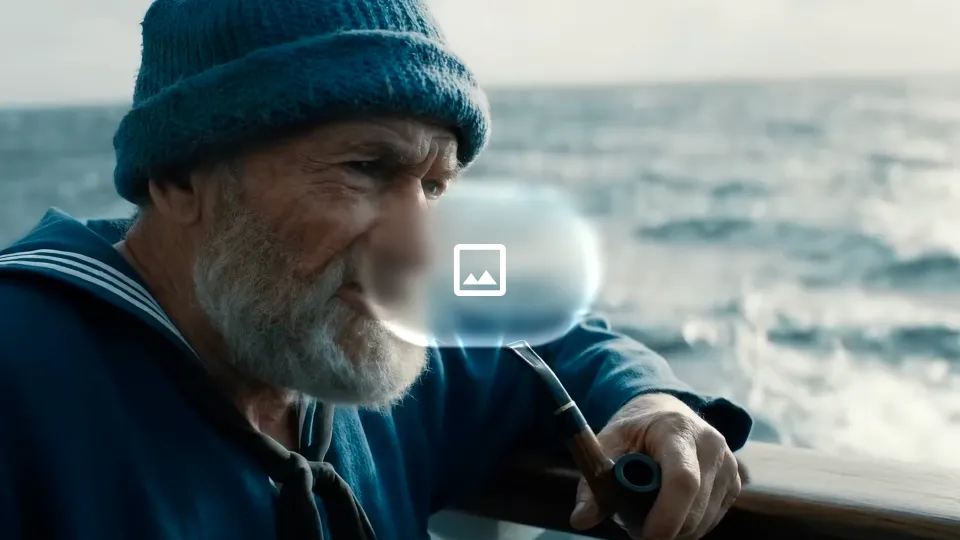
Referring to the extreme camera movement, perspective, and distortion in [video], create a front-facing full-body walk cycle of the character from [image], quickly style-shifting into multiple visual styles during the walk cycle, starting from realistic cinema. Keep the environment, only change styles. Hard cut backgrounds always centering the sky. Continuous walking, continuous audio, and style shifts in perfect sync to the beat of the audio. Cinematic, 16:9.
Apply motion and style references from an image or video across to your output.
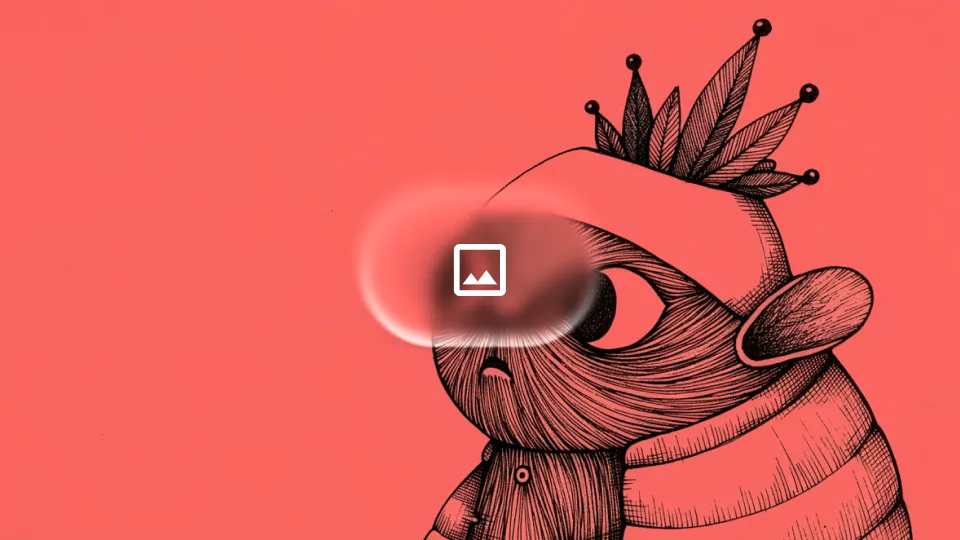
Apply the pose and motion from input video to provided character from this image. Apply style from image reference to the new video
Provide an image of a character with your video, and the new character will match your motion and dialogue seamlessly.
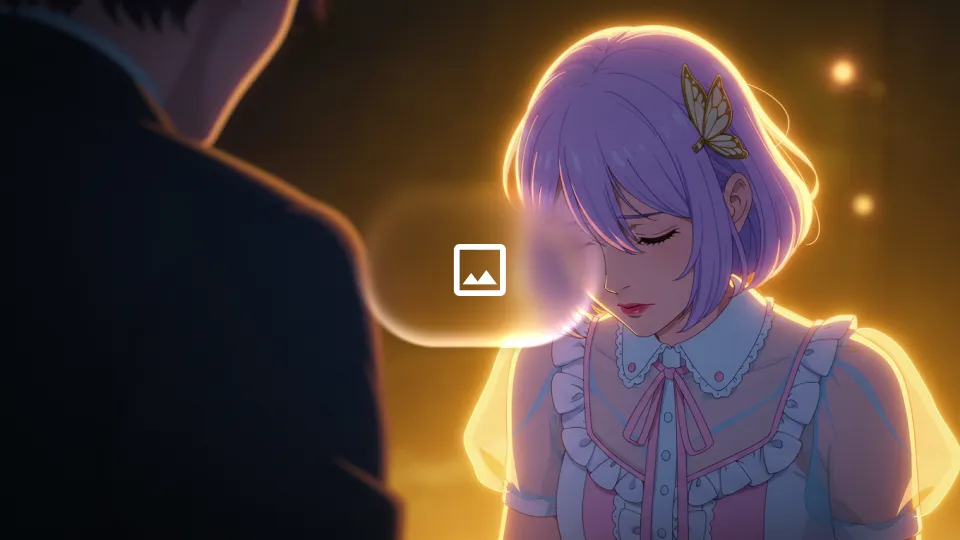
turn me into this character
Turn sketches into realistic video – and use your doodles to guide how individual elements should move.
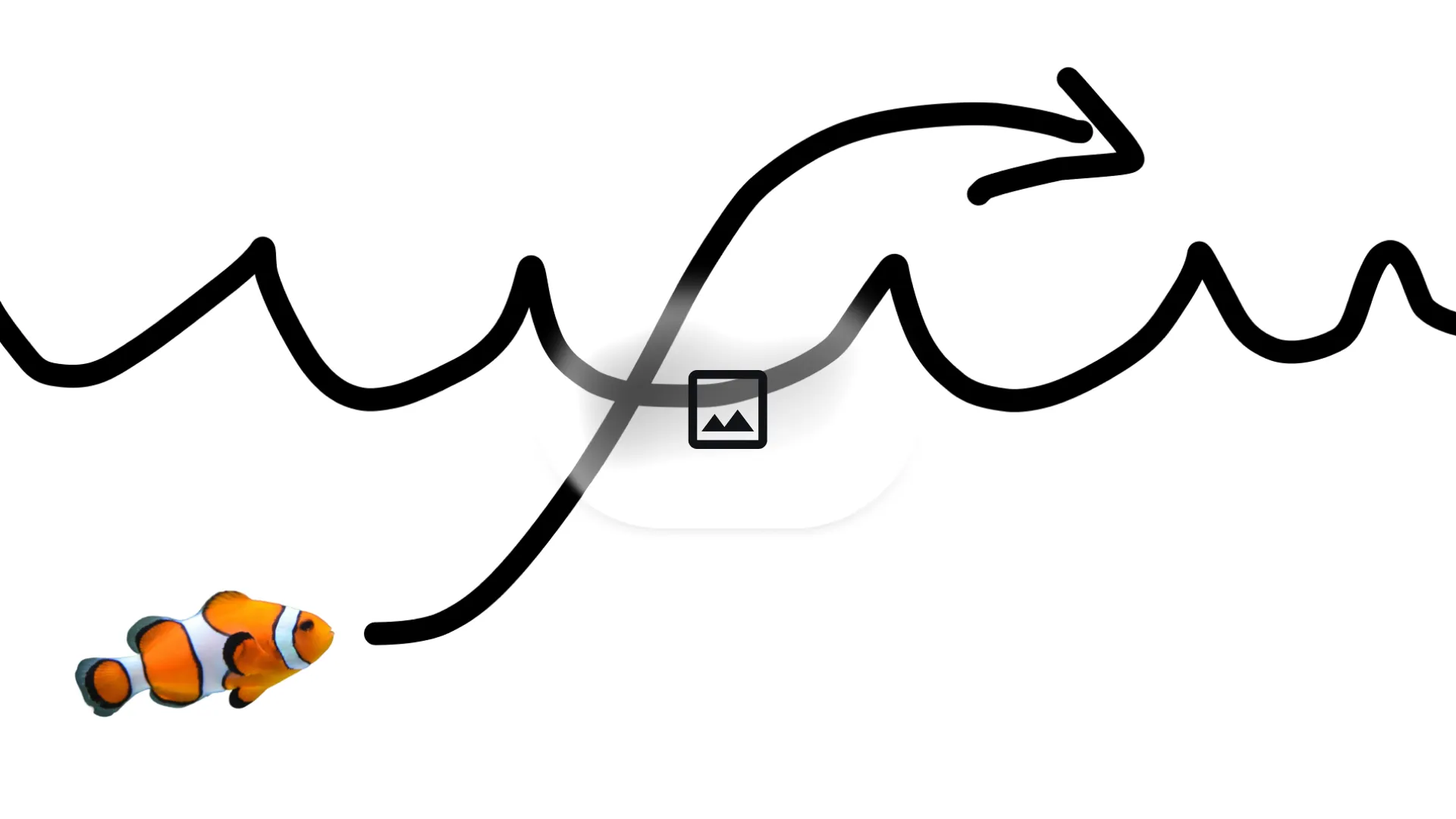
turn this into realistic footage, using the drawing only as a guide for movement, do not show the drawing in the final video
Choose the plan that works best for you
For hobbyists and beginners
For growing creators
For steady creators
For high-usage users
Payment tip: If you encounter any issues during checkout, contact support@googleomni.net
Common questions about Google Omni.
Create and edit production-ready video quickly with one click.